Investments
The investments module lets you track your investment portfolio — from deposits and funds to stocks and cryptocurrencies. You can see how much you invested, how much it's currently worth, and what your profit or loss is.
Premium: The investments module is available exclusively on the Premium plan.
Investment portfolio
On the investments page you see an overview of your entire portfolio:
Side panel with summary
- Number of investments — how many positions you have in the portfolio
- Total invested — sum of initial values
- Total cost — sum of costs (fees, commissions)
- Current value — total current portfolio value
- Profit / loss — difference + percentage
Portfolio chart
A visualization of portfolio allocation — what percentage falls on each position.
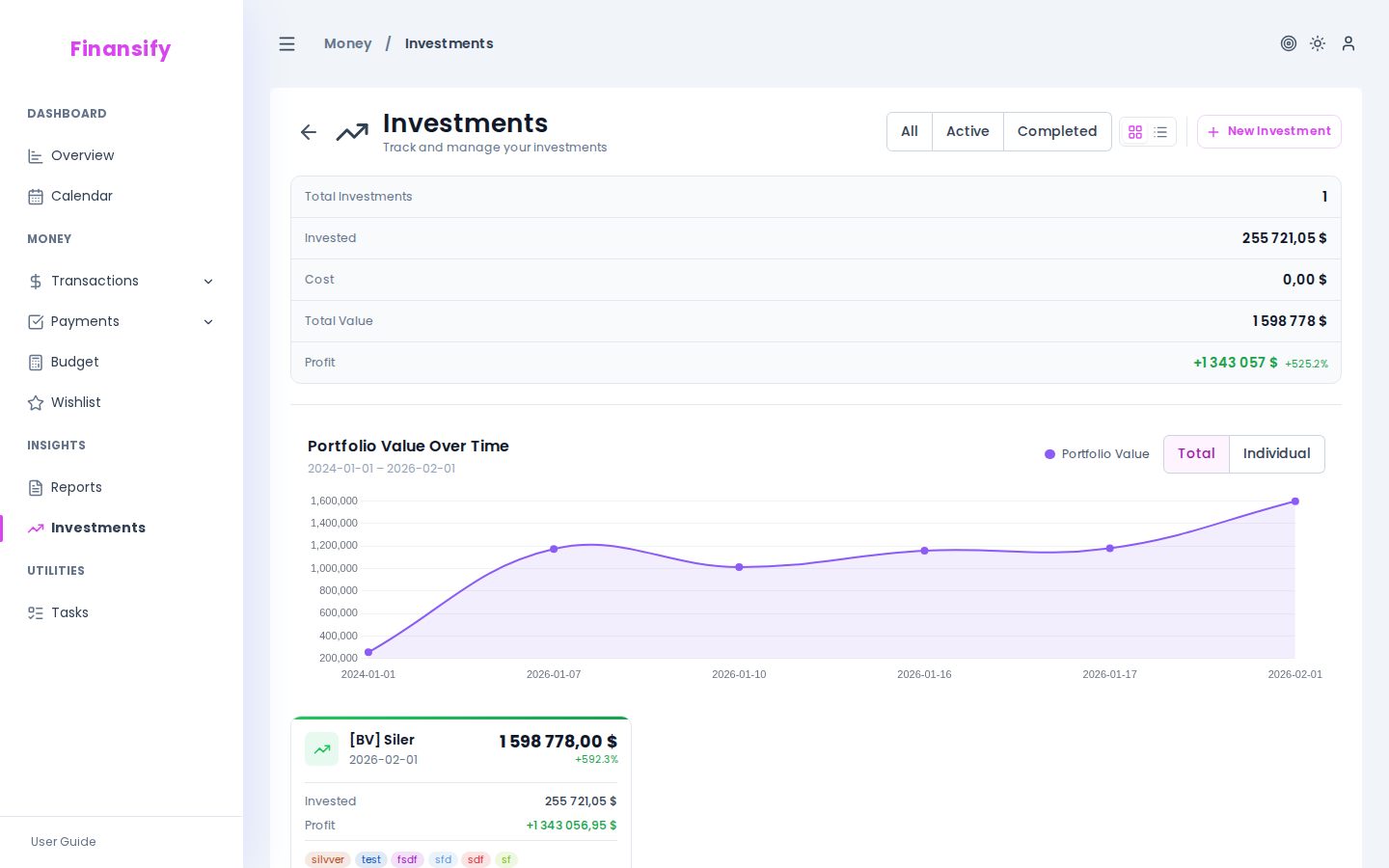 Investments page
Investment list
You can filter investments: All / Active / Closed.
Each investment card shows:
- Colored side bar (green = profit, red = loss)
- Name and tags
- Current value and date of last valuation
- Profit/loss (amount + percentage)
- Amount invested
- Status (Active / Closed)
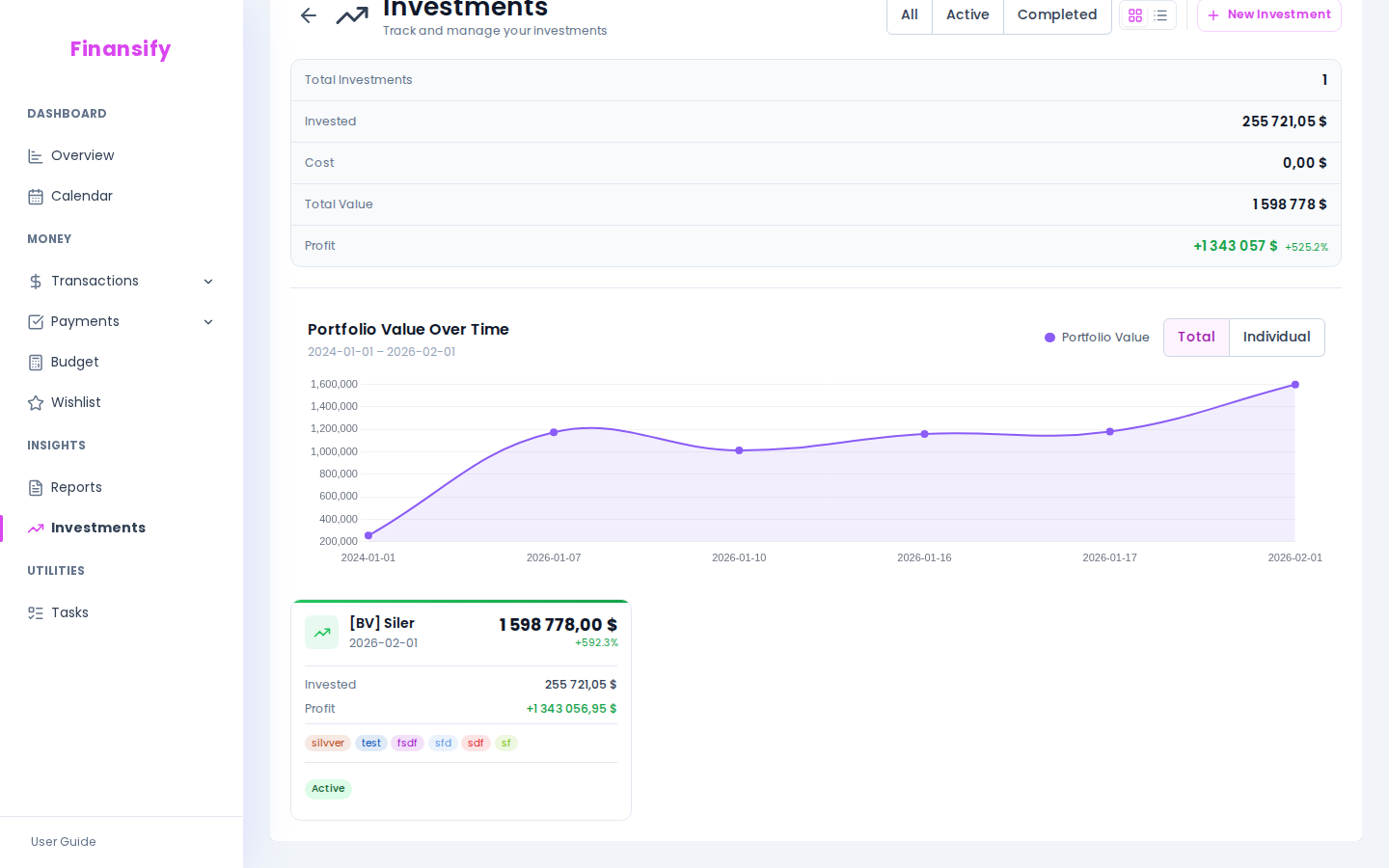 Investment cards
Adding an investment
- Click New investment
- Fill in the form:
| Field | Description | Required |
|---|---|---|
| Name | E.g. "PKO 6M Deposit", "S&P 500 ETF" | Yes |
| Description | Additional details | No |
| Tags | Tags for categorization (e.g. "deposit", "stocks") | No |
| Currency | Investment currency | Yes |
| Start date | When you invested | Yes |
| Initial value | How much you invested | Yes |
| Cost | Fees, commissions (optional) | No |
Closing an investment
If the investment is already finished (you sold it, the deposit matured):
- Enable the Closed toggle
- Enter the closing date and final value
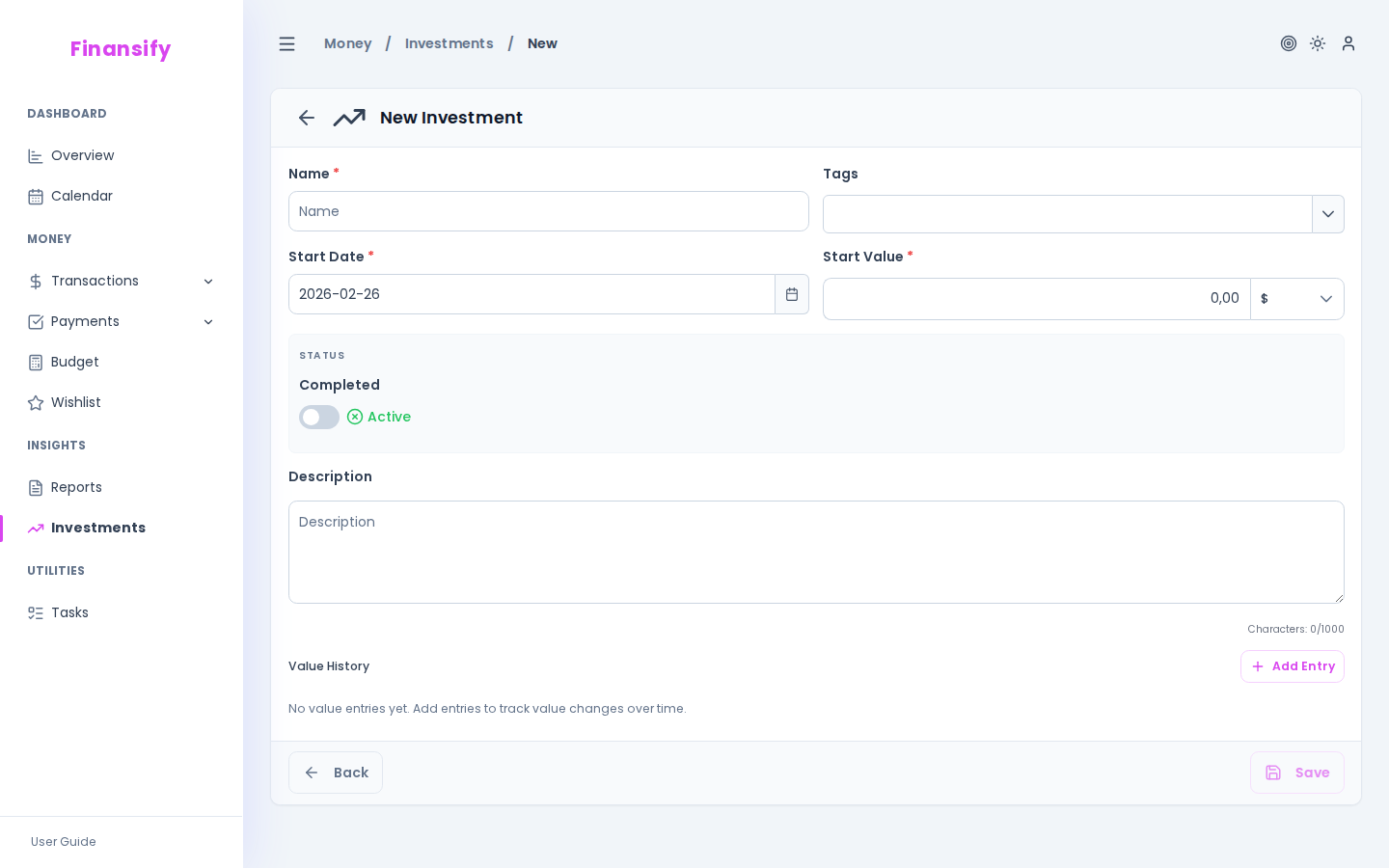 New investment form
Value history
A key feature of the module! For each investment you can add value entries — points in time showing how much the investment is worth on a given day.
For example, for an ETF:
- January 1: 10,000 PLN
- February 1: 10,500 PLN
- March 1: 10,200 PLN
- April 1: 11,300 PLN
Based on these entries Finansify draws a value chart over time and calculates the current portfolio value.
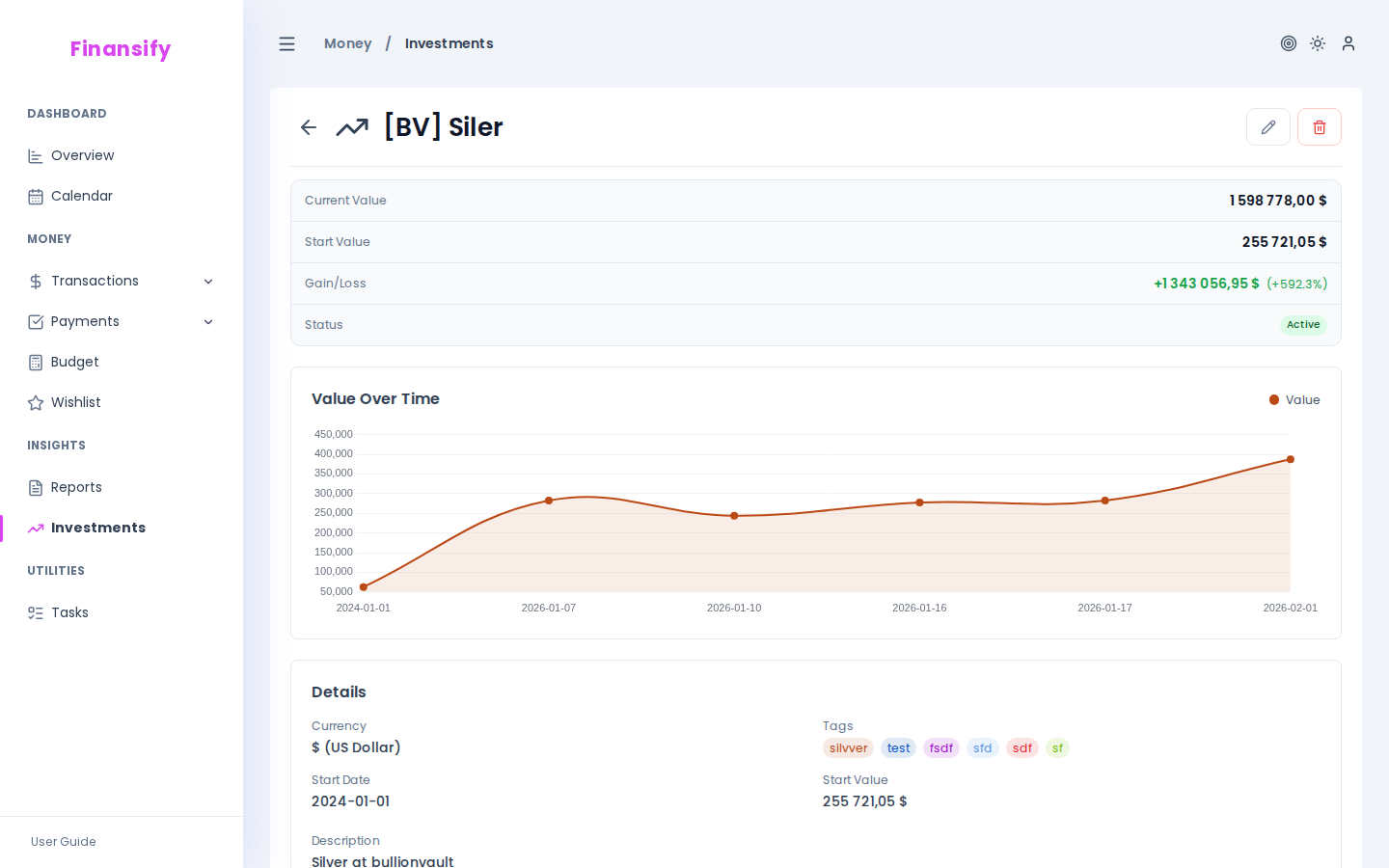 Investment details
Adding a value entry
- Open the investment details
- In the value entries section click Add entry
- Enter the date and value
Profit/loss calculation
Finansify calculates profit/loss automatically:
- Profit/loss (amount) = Current value - Initial value
- Profit/loss (%) = (Current value - Initial value) / Initial value x 100
"Current value" is:
- Final value (if the investment is closed)
- Latest value entry (if one exists)
- Initial value (if there are no entries)
Multi-currency support
If you have investments in different currencies (e.g. EUR, USD), Finansify converts them to your primary currency for portfolio summary purposes.
See also:
- Financial settings — primary currency and exchange rates
- Subscription — investments are a Premium feature