Notifications
Finansify can remind you about important financial matters — exceeding a budget, upcoming payments, and more.
Go to Profile -> Settings -> Notifications to configure which notifications you want to receive.
Notification types
Budget alert
You receive a notification when spending in a budget exceeds a specified threshold. You can set the threshold percentage — e.g., 80% means an alert will appear when you've used 80% of the limit.
Useful for staying within budget — you get a warning in advance.
Payment reminder
You receive a notification X days before a recurring payment is due. You can set the number of days — e.g., 3 days means the reminder will arrive 3 days before the due date.
This way, you won't forget about rent or a loan installment.
Weekly report
A summary of your finances once a week — how much you spent, how much came in, how your budget stands.
Premium: The weekly email report is available on the Premium plan.
Notification channels
| Channel | Free | Premium |
|---|---|---|
| In-app | Yes | Yes |
| Yes | Yes | |
| Push (mobile) | — | Yes |
| Bot (WhatsApp/Telegram) | — | Yes |
In-app notifications
Bell icon in the top menu — click to see the list of notifications.
Email notifications
Alerts and reminders are sent to your email address. You can disable them for each type individually.
Premium: Additional channels — push notifications on mobile and integration with a WhatsApp/Telegram bot.
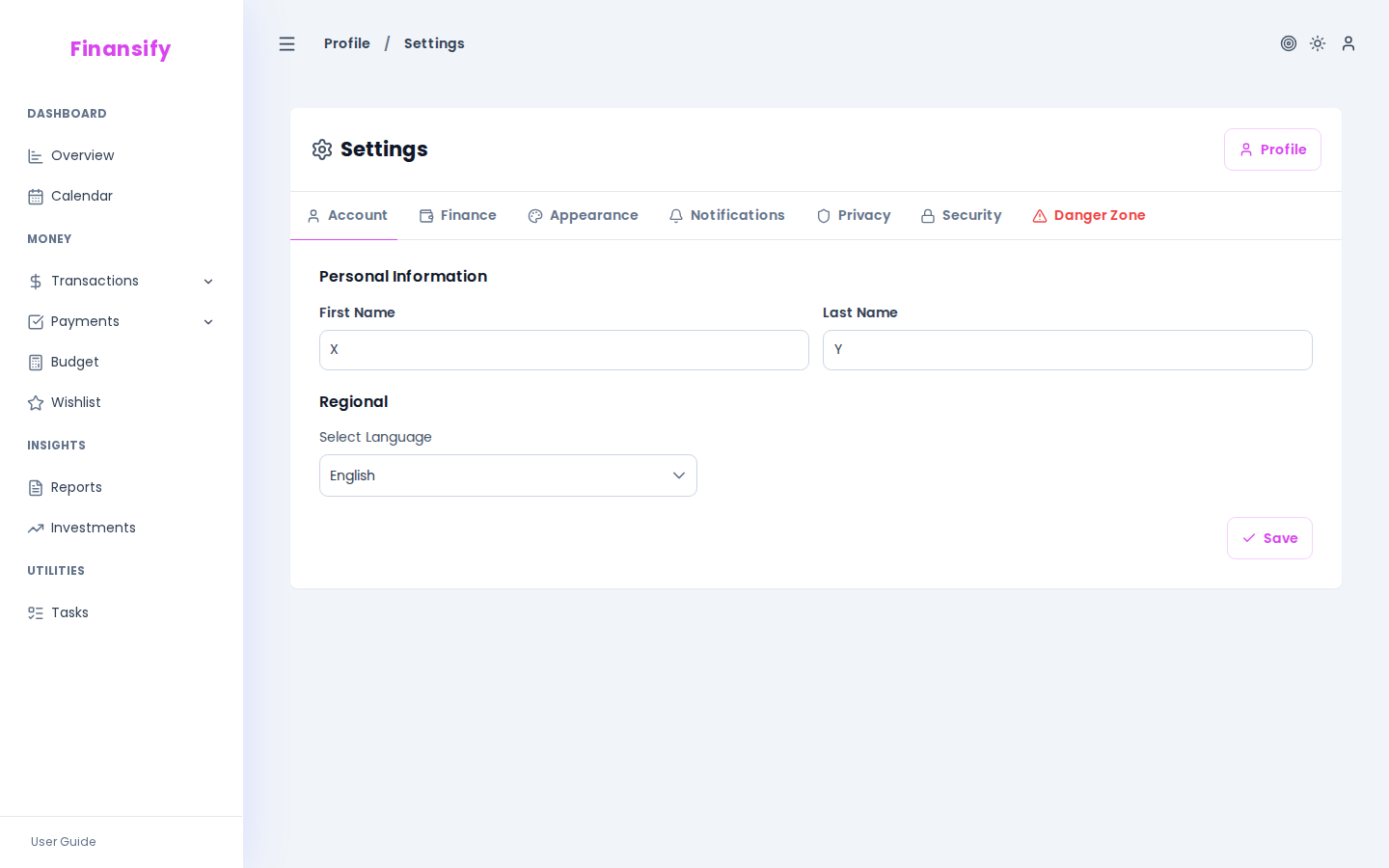 Notification settings
See also:
- Budgets — budget alerts
- Recurring Payments — payment reminders
- Subscription — Premium channels