Registration and Login
To use Finansify, you need an account. Registration is free and takes just a moment.
Creating an Account
- Go to the registration page and click Sign up
- Enter your email address — this will be your login
- Create a password — it must be at least 8 characters long
- Click Sign up
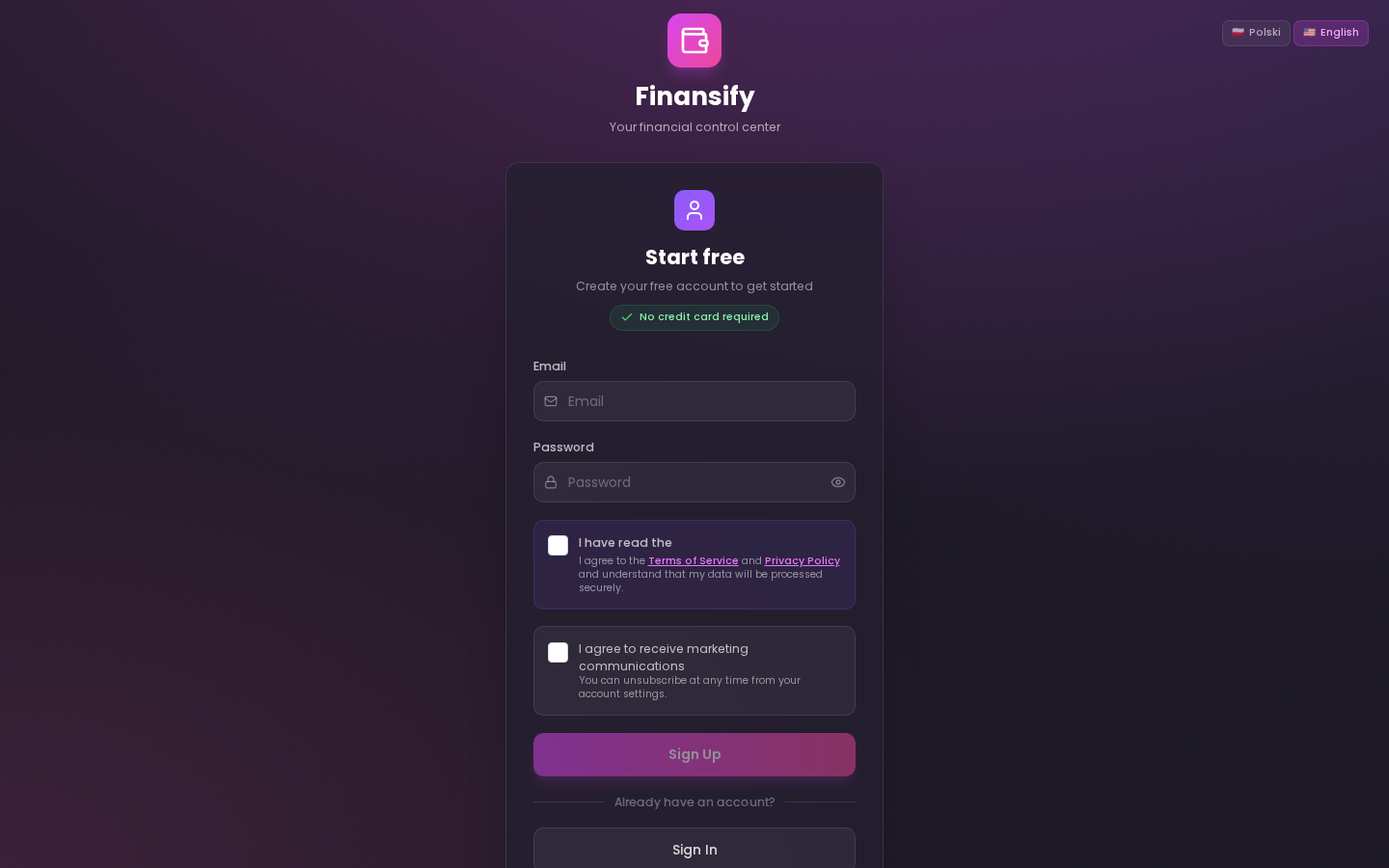 Registration form
After registering, you'll receive an email with an activation link. Click the link to confirm your account.
Email didn't arrive?
Sometimes the message may end up in your spam folder — check there first. If you still don't see the email:
- Go to the Resend activation email page
- Enter your email address
- Click Send
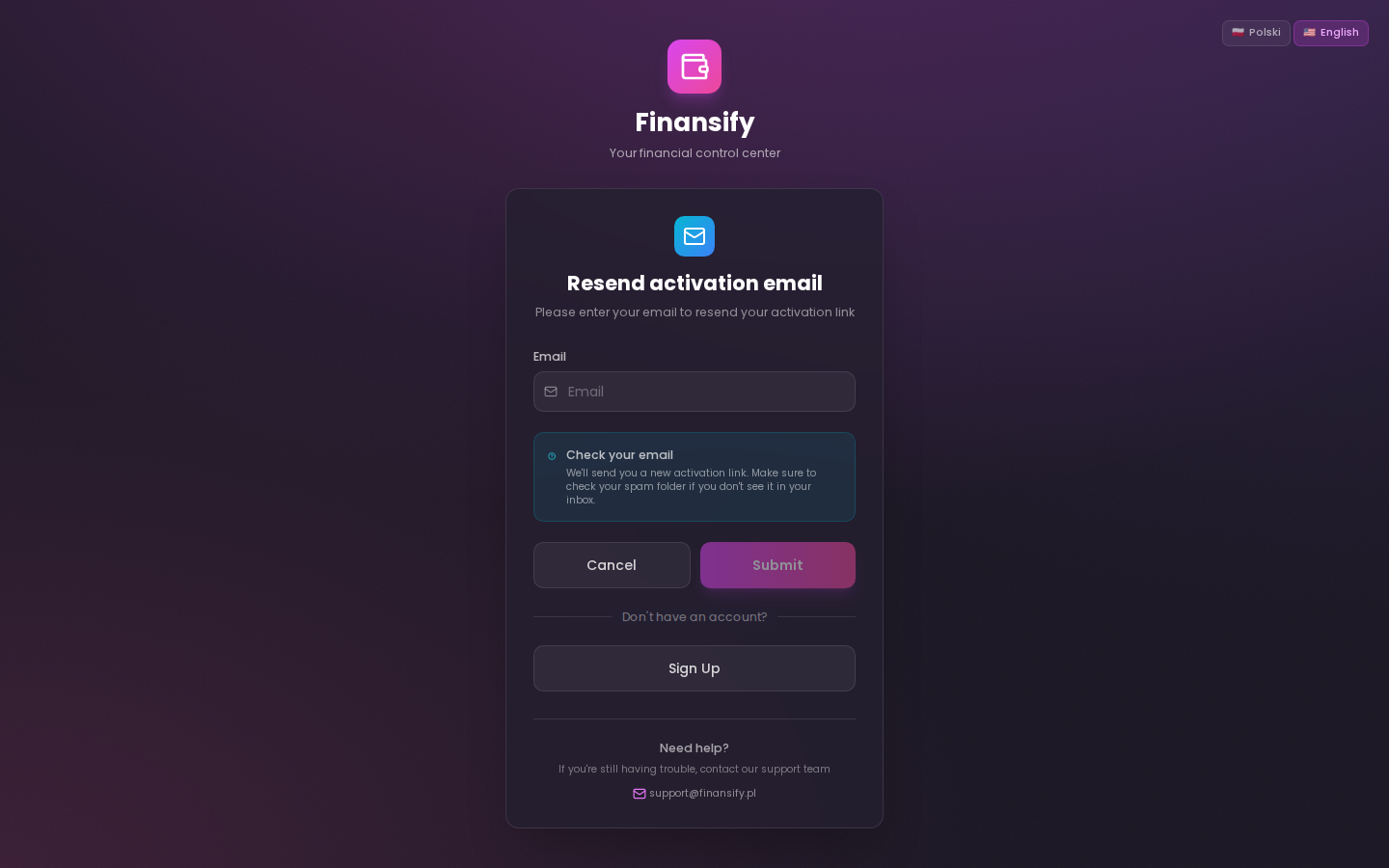 Resend activation email
Logging In
- Go to the login page
- Enter your email and password
- Click Log in
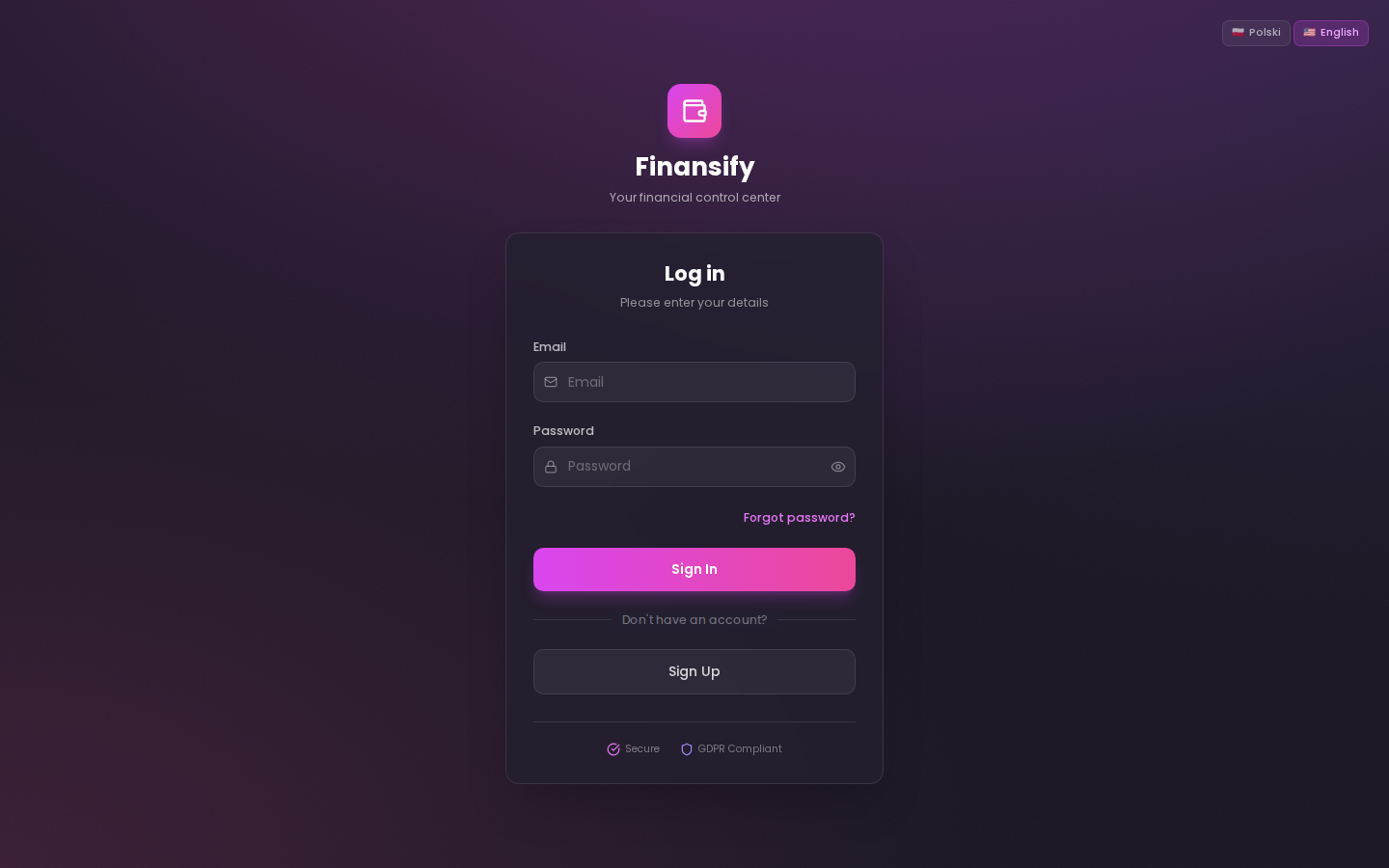 Login form
After your first login, you'll be redirected to the Welcome Wizard, which will help you set up the application.
Forgot Your Password
It happens to the best of us! Here's how to regain access to your account:
- On the login page, click Forgot your password?
- Enter your email address
- Click Send reset link
- Check your inbox — you'll receive an email with a link
- Click the link and set a new password
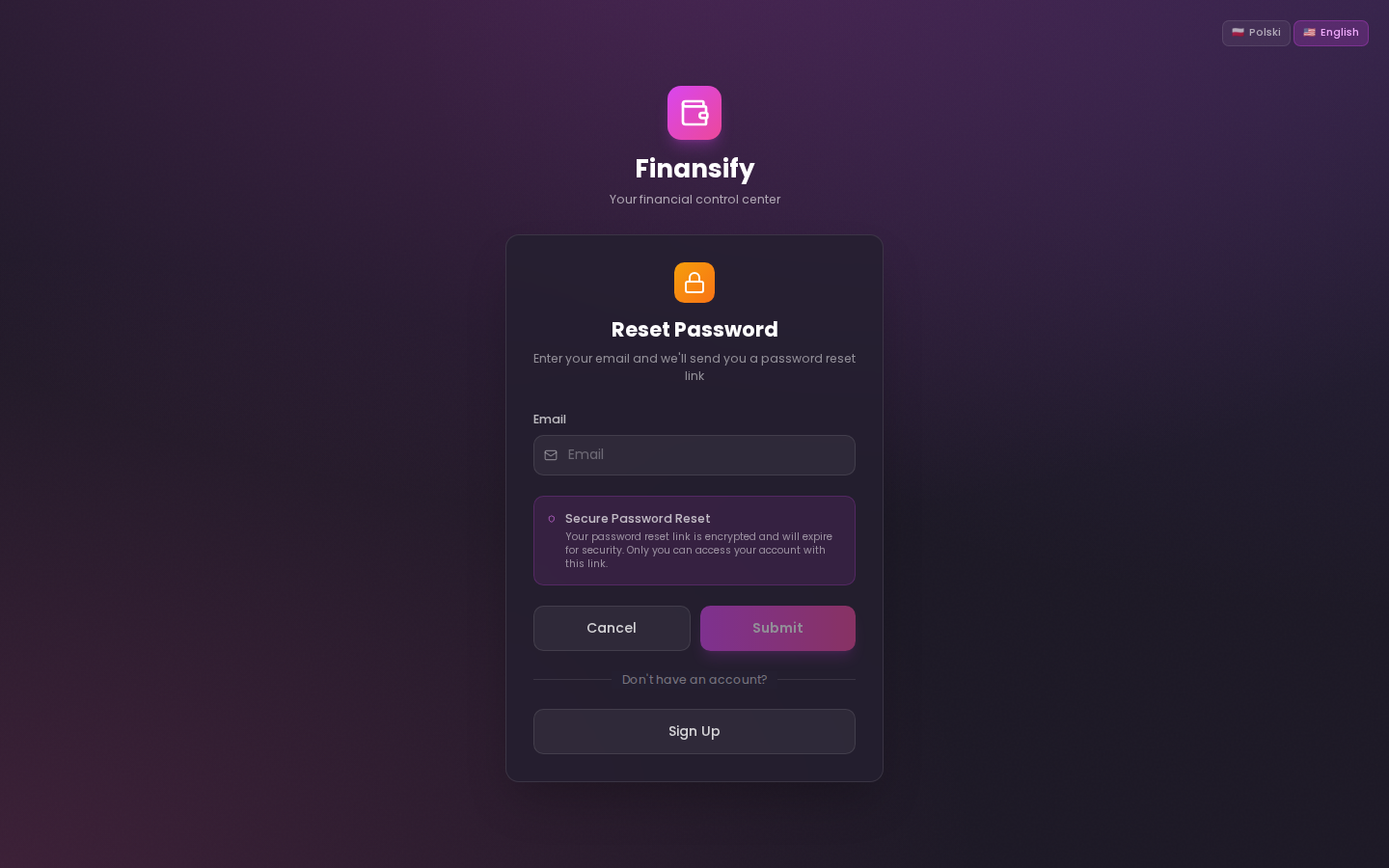 Forgot password page
The password reset link is valid for a limited time. If it expires, simply request a new one.
What's Next?
After logging in, proceed to the Welcome Wizard, which will walk you through the initial application setup.
See also: