Account and Profile
Here you manage your personal information and account settings.
Profile
On the Profile page, you see an overview of your account:
- Name and email address
- Subscription plan (Free / Premium)
- Primary currency
- Button to go to settings
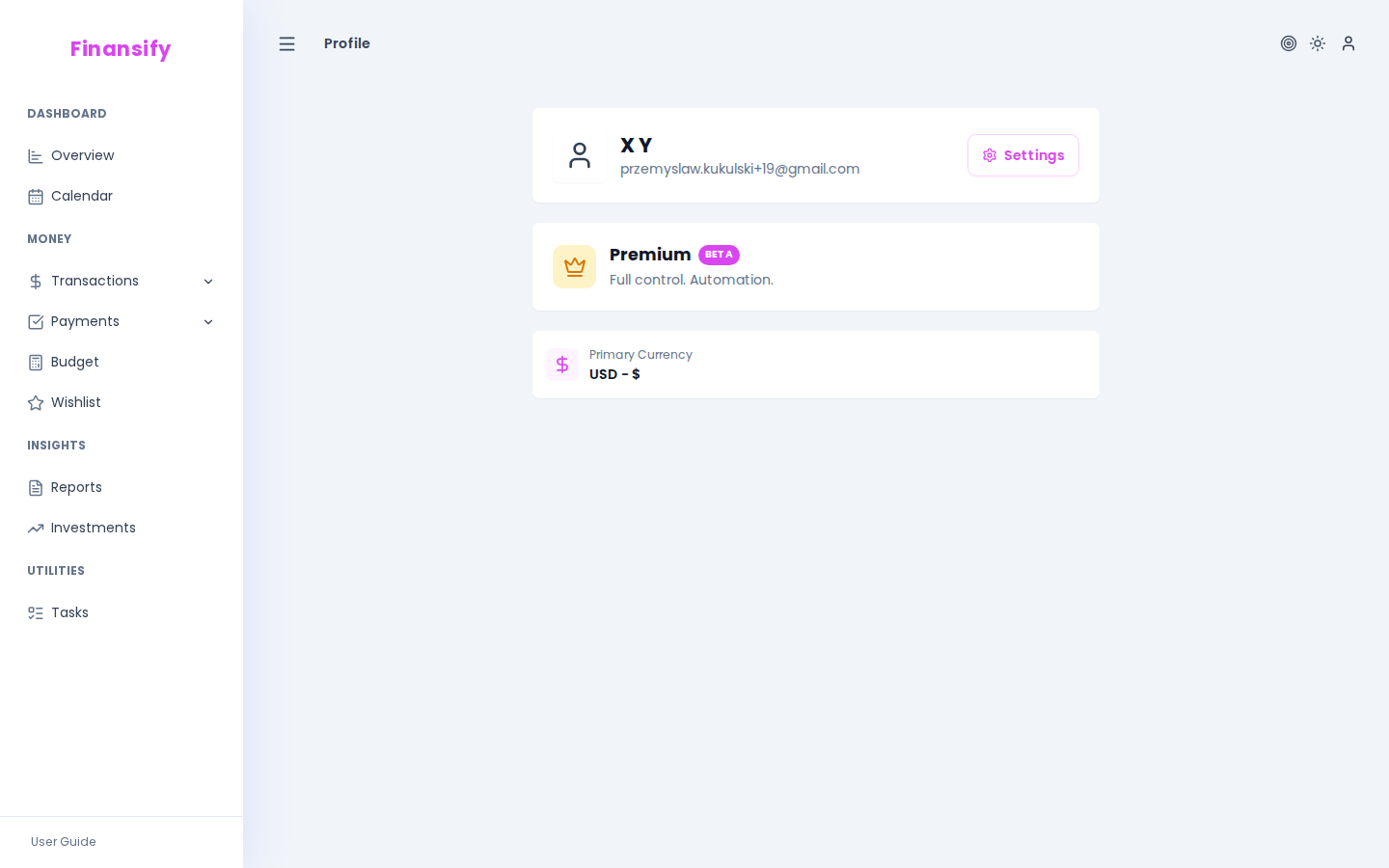 Profile page
Account settings
Go to Profile -> Settings -> Account to edit:
| Field | Description |
|---|---|
| First name | Your first name displayed in the app |
| Last name | Your last name |
| Language | Interface language (Polski / English) |
Changing the language immediately switches the entire interface — menus, buttons, messages, everything.
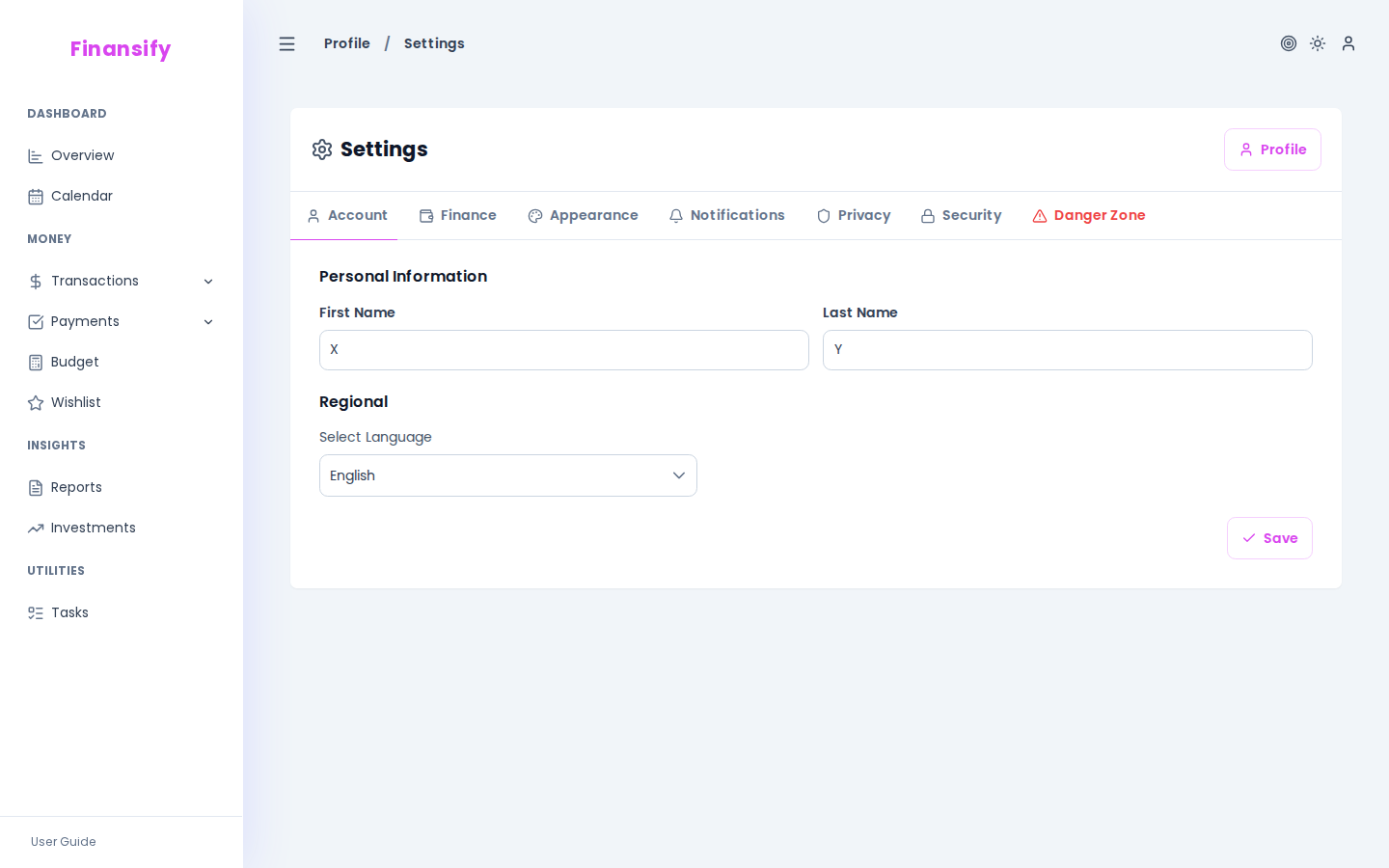 Account settings
Changing your email
Your email address is your login. Changing your email requires verification at the new address.
Changing your password
To change your password, go to Profile -> Settings -> Security. Details can be found in the Privacy and Security section.
See also:
- Privacy and Security — password change, sessions, account deletion
- Appearance — theme and interface mode
- Subscription — plan management